Загрузите бесплатный симулятор Captivate
Попробуйте Captivate на своем компьютере, установив бесплатный симулятор и наборы данных, чтобы попрактиковаться и совершенствовать свои...


.jpg?sc_lang=ru&hash=3814F4E3D7DF1DF7E6B1F26DBC43D3D6)
Представляем новый уровень в области захвата реальности и новый подход к работе с 3D-лазерным сканированием.
Узнайте, как новые функции обновленной версии программного обеспечения Leica Captivate позволяют улучшить рабочие процессы геодезической съемки.

Попробуйте Captivate на своем компьютере, установив бесплатный симулятор и наборы данных, чтобы попрактиковаться и совершенствовать свои...

Расскажите нам, что бы вы сделали, если бы у вас была возможность изменить Leica Captivate.
Откройте для себя новые возможности программного обеспечения Leica Captivate для полевых геодезических работ, которое постоянно обновляется с учетом современных технологий и адаптируется к потребностям наших пользователей. Ознакомьтесь с последними усовершенствованиями, представленными в выпусках наших обновленных программ, которые доступны при наличии действующего Пакета клиентской поддержки (CCP).
Leica Captivate 2027 marks the beginning of the next generation of Leica field software, introducing new capabilities that support more connected, collaborative and intelligent surveying workflows. Designed for the latest Leica Geosystems field controllers, it combines trusted surveying functionality with cloud-enabled workflows, AI-powered technologies and an evolving platform that will continue to deliver new capabilities through future releases.
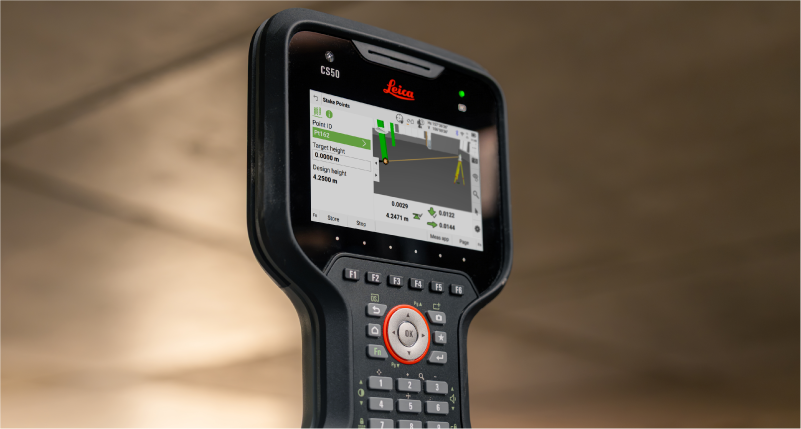
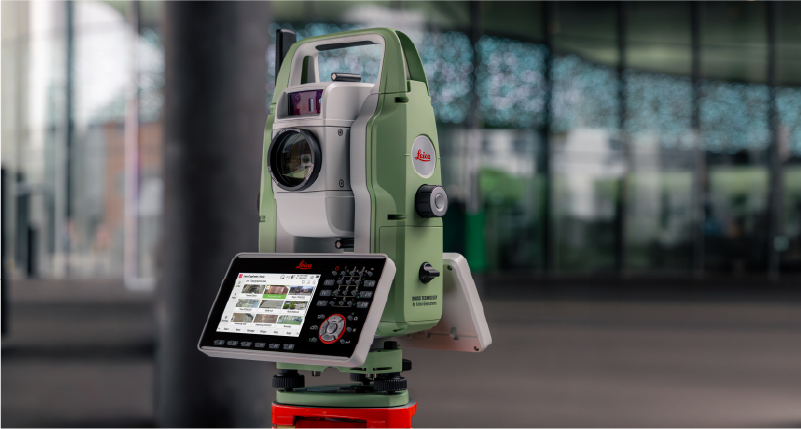
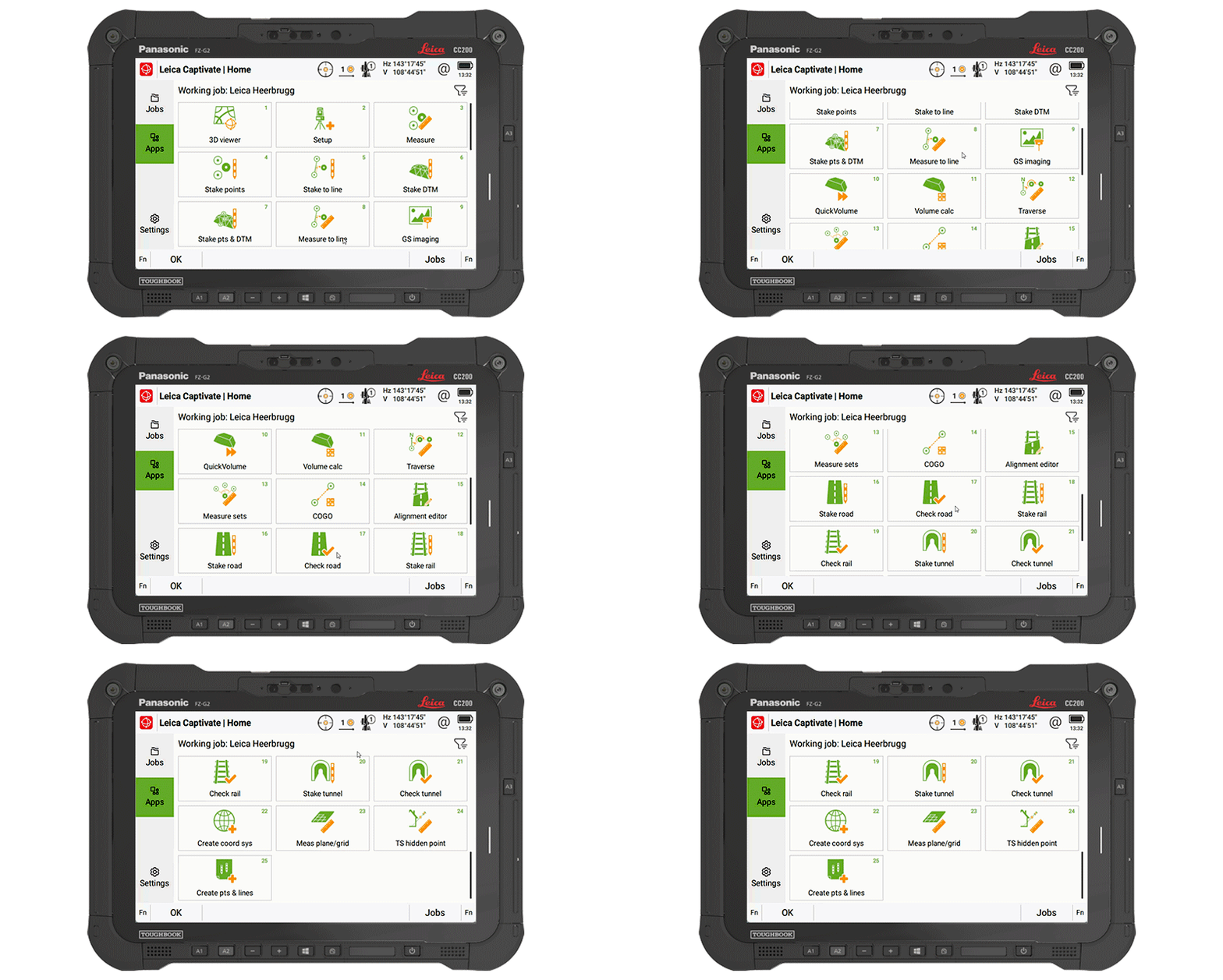
Captivate 2027 supported devices include TS20, CS50, CS30, CC180, CC200 and other Windows tablets.
Leica Captivate v12 brings the latest maintenance and compatibility updates to supported devices. It also ensures that equipment running Captivate v12 continues to work with controllers running Captivate 2027, allowing you to combine existing and new Leica surveying equipment within your field workflows.
Captivate v12 supported devices include MS60, TS60, TM60, TS16, TS13, TS10 and CS20.
Leica Captivate v11 builds on the proven Captivate experience with enhancements that improve performance, connectivity, and productivity across the surveying workflow. TS20 users benefit from improved ATR, PowerSearch, and connectivity robustness, alongside new panoramic image capture, remote video streaming whilst an AP20 is connected, and integrated eSIM management.
The release also expands rail and tunnel capabilities with improvements to auto-staking of the tunnel face, drilling rig orientation, dynamic compensation, and several other infrastructure project workflows. Complemented by stronger pairing security, simplified Hexagon GeoCloud authentication, GS05 UHF communication support, and numerous software refinements, Captivate v11 delivers a more capable, reliable, and connected field experience.
Leica Captivate v10 introduces two key updates that shape how users interact with the software: a redesigned home screen and support for the new Leica TS20.
The home screen layout has been updated to make it easier to access jobs, apps, and settings. The improved job organisation and simpler app selection help structure daily work more clearly from the moment Captivate is started.
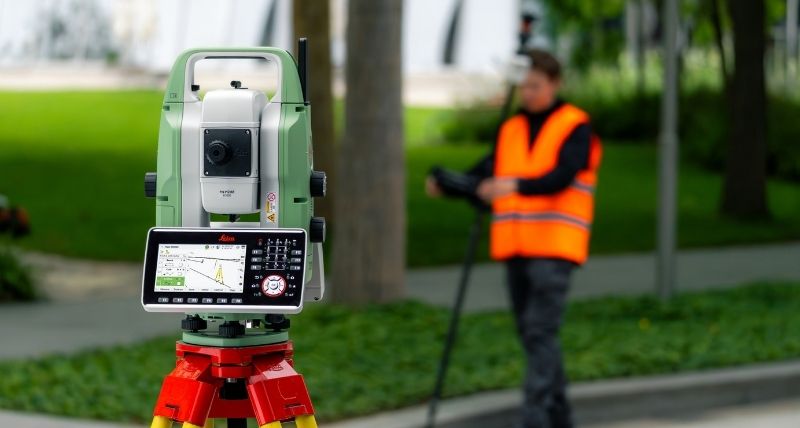
The Leica TS20 defines the next generation of robotic total stations, with AI-powered automation that is fully integrated into Captivate v10. AI-Detect is one example of this; it automatically recognises the target type being measured and checks it against the current settings to help avoid target selection errors.
Captivate v10 features improvements that support day-to-day work, such as snapping to IFC surfaces and edges for quicker data selection, especially when combined with the new button for the map context menu, providing quick access to tools and apps.
Line handling is improved by adding dimensional input for measuring circles and rectangles, along with quick access tools to allow extending of lines directly in the Measure app, and instant creation of offset lines from the 3D Viewer.
COGO computations are enhanced to utilise our split-screen layout, enabling adjustments to computations and the review of results before storage.
Further v10 improvements include integrating NTRIP caster settings into GS base mode, numerous enhancements to the Tunnel app, NMEA message extensions for tilt information, and better integrated links to GeoCloud Drive.
Leica Captivate v9.0 ensures the support of our latest hardware, such as the small and light tilt enabled Leica GS05 SmartAntenna, the recently introduced CC180 and CC200 tablets, and the GKP100 Captivate Keypad. Inspired by these, v9.0 also includes several software changes, including enhancements to SmartPole.
SmartPole setups are now easier than ever, as a single button press triggers both the GS & TS measurements, and a new GS Search function has been introduced to enable the total station to turn directly to the GNSS position, allowing the prism to be found much quicker.
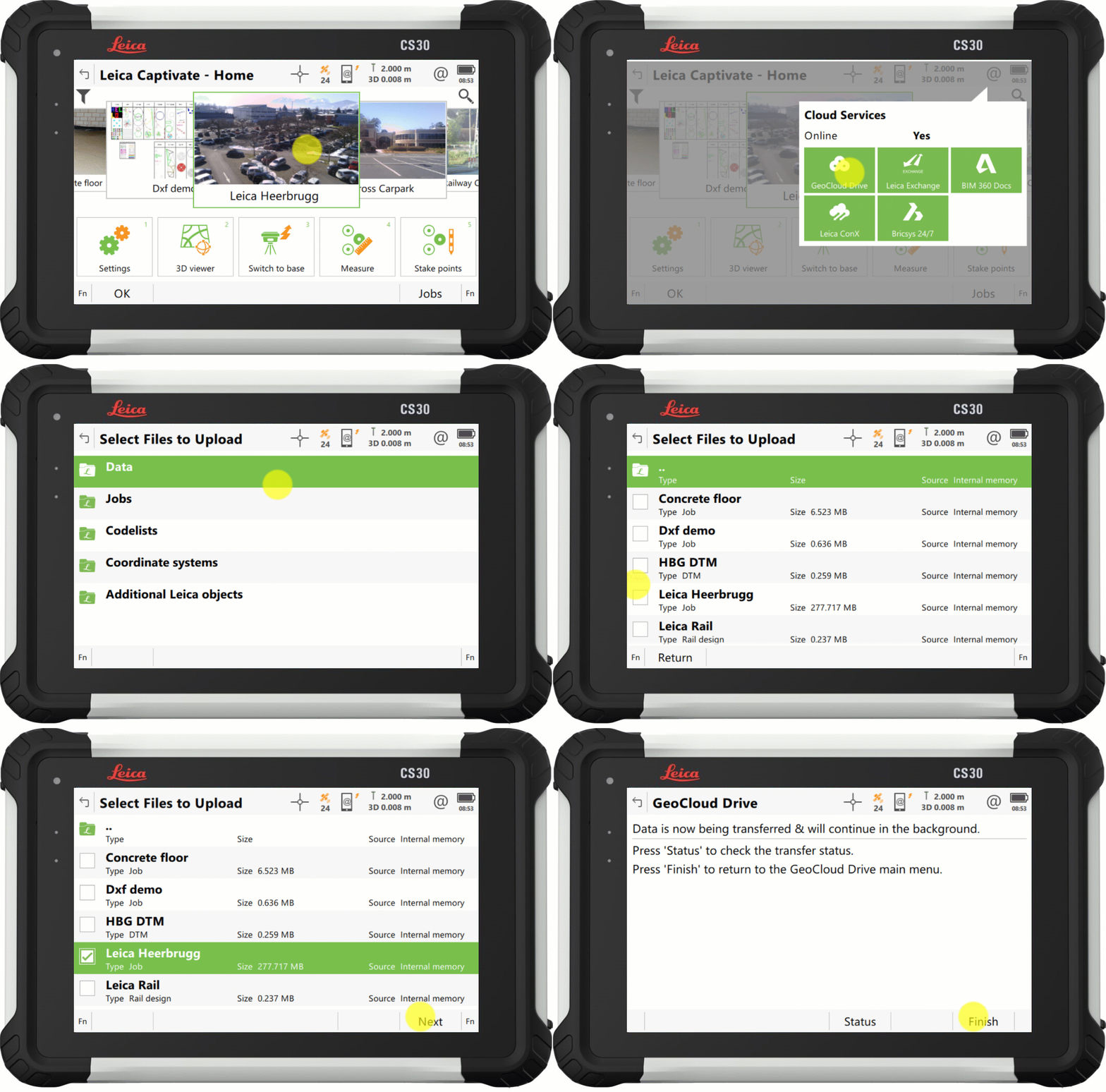
With Captivate v9.0, the process to upload your data to our cloud service, GeoCloud Drive, has improved so that exported data and entire jobs, can now be uploaded in just a few clicks.
Also in v9.0, the Snapping to CAD/IFC entities functionality from version 8.50, has been enhanced to support finding the center of more shapes, and allowing snapping within apps such as Stake points and COGO.
Further v9.0 improvements include the ability to set a GS Base as an NTRIP caster, via the webserver, and the ability to switch between some of our apps without interrupting continuous TS measurements or AP20 tilt initialization.
Leica Captivate v8.10 introduced support for the new cloud service, HxGN GeoCloud Drive, with v8.50, Captivate further harnesses the power of this service, delivering free online access to locally relevant content, through a new regional Configuration Tool.
Worldwide, Leica representatives publish a range of local content, including coordinate systems, style sheets, and sample data. The new tool facilitates users from any locale to select their country of interest, view the relevant regional content, and download according to need.
1. Captivate v8.50 introduces a new selection option to increase the ease and efficiency of working with CAD and IFC files. The new features, 'snap to corner' and 'snap to arc center', enable direct interaction with specific points of interest of an object, to ensure that only the desired data is imported.
2. Captivate v8.50 also brings a new way to switch the line in use within the ‘stake to line’ and ‘measure to line’ apps. It is now possible to tap and hold on a desired line to easily switch lines on-the-fly, enhancing productivity by eliminating interruptions in the measurement process.
3. Captivate v8.30 introduced a tilt strength indicator to improve the ease of use of the Leica AP20, v8.50 extends this functionality into GNSS mode by adding a tilt strength indicator when working with a tilt enabled GNSS, such as the Leica GS18 T.
1. Captivate v8.30 introduces a "play button" in our code boxes enabling touchscreen users to select a code and measure with a single tap.
2. The redesigned prompt before storing functionality empowers user by allowing them to check what is about to be stored and directly correct any mistakes or select a new code.
3. With Captivate v8.30, you can enable a point's code information to be automatically updated with the line ID and linework flag. This feature helps enrich the information contained in point list-based exports.
1. Captivate v8.30 will improve AP20 use with an indicator that shows tilt initialisation strength. This makes it easier to maintain initialisation and learn which movements help gain initialisation quicker.
2. While remotely controlling your total station or MultiStation in the Setup app, you can now conduct setup measurements directly from the instrument, simplifying the process, particularly when manually aiming.
3. Volume app enhancements: Including easier surface definition and a new volume computation method between a surface and a DTM.
4. A new feature allows users to quickly identify if data is being filtered, with an icon on the job tile and in data management. Additionally, a hotkey, "Reset Filter", allows the filter to be reset to default.
5. Captivate v8.30 introduces a new system back-up option, providing peace of mind against potential setting changes by others or if a reset is needed.
Directly access GeoCloud Drive, the new Hexagon cloud storage and data transfer service, powered by HxDR, via Leica Captivate from the field. Conveniently download data, work on it, and effortlessly upload it to the cloud for instant access in the office. No need to take SD cards or flash drives into the office or upload data with different tools. Have the peace of mind that the office has all it needs before you leave the site.
1. Начиная с Leica Captivate версии 8.0 появилась возможность создавать объекты и назначать им свои проекты, что позволяет группировать и фильтровать проекты для более удобного управления.
2. Усовершенствования кодирования и линейных измерений: Улучшено измерение окружностей и прямоугольников непосредственно при измерении точек, упрощен доступ к параметрам работы с линиями с помощью клавиатуры и увеличено количество атрибутов, которые можно сохранить с помощью кода.
3. Усовершенствования для компьютеров и планшетов с операционной системой Windows: Улучшено использование камер устройства, включая управление качеством фотографий, возможность запуска Captivate в уменьшенном окне наряду с другими программами, а также Captivate теперь работает как 64-разрядное приложение, что обеспечивает повышенную производительность.
4. Благодаря новой возможности передачи данных «отправить по почте» Captivate версии 8.0 позволяет передавать экспортированные файлы CAD, файлы данных и отчеты QA любому пользователю непосредственно с вашего Captivate устройства.
1. С Leica Captivate версии 8.0 сохранение непрерывных измерений стало еще удобнее. Команда «Сохранить» теперь выполняется нажатием функциональной клавиши F1 и совмещена с клавшей OK, что повышает удобство использования и эргономичность, особенно при измерении с наклоненной вехой.
2. В Captivate версии 8.0 появилась интеграция возможности измерения с компенсацией наклона на AP20 при методах установки станции «Множественные задние точки» и «Обратная засечка», что расширило возможности применения измерений с наклоненной вехой при установке станции.
3. В Leica Captivate версии 8.00 производительность RTK на коротких базовых линиях была значительно улучшена, что привело к более высокой доступности по сравнению с версией 7.50, особенно в сложных условиях окружающей среды и ионосферы.
1. Благодаря Leica Captivate версии 7.51 можно напрямую присоединить несколько IFC-файлов одной и той же области к одному проекту — больше не нужно выполнять предварительную обработку в офисной программе для объединения данных.
2. Captivate версии 7.51 поддерживает наборы свойств и свойства IFC объектов, что позволяет лучше понимать данные, принимать обоснованные решения, избегать ошибок и дополнительных циклов измерений.
3. Сократите ручные измерения, легко детализируя IFC модели прямо в поле. Captivate версии 7.51 позволяет задавать коды, связывающие измерения с исходными данными IFC.
4. Captivate версии 7.51 позволяет вам задавать коды для результатов разбивки. Полевое программное обеспечение может копировать код и атрибуты из проектного объекта или использовать наш обычный код Captivate.
1. Быстрое переключение направления наклона на AP20 AutoPole — к наконечнику вехи или призме — осуществляется с помощью новой горячей клавиши, появившейся в Captivate версии 7.51.
2. Начиная с Captivate версии 7.51, вы также можете использовать функцию уменьшения ошибок определения высоты AutoPole с удлиненной секцией вехи. Просто введите в полевое программное обеспечение информацию, о том что вы используете удлиненную секцию, и она будет автоматически учитываться при определении высоты вехи.
3. Проверка профилей туннелей стала проще в Captivate версии 7.51 благодаря добавлению метода сканирования секций в мультистанцию MS60 и приложение для туннеля.
4. Всем, кто работает под навесом или вблизи зданий, будет приятно узнать, что усовершенствованные алгоритмы ГНСС-позиционирования позволяют повысить доступность RTK до 30%, включая более высокую точность и надежность позиционирования.